This post will teach you how to write a sample email to vendors for business purposes.
.png)
A vendor opens your email, scans the subject line, and decides in seconds whether to act or delay. That moment decides delivery dates, follow ups, and how seriously your request is taken. Small wording choices often decide whether an order moves smoothly or stalls.
Knowing how to write email to vendor for order is about control, not formality. Clear intent, exact details, and the right tone reduce back and forth and protect the business relationship.
When the message is precise, the response becomes predictable, and that changes how ordering works day to day.
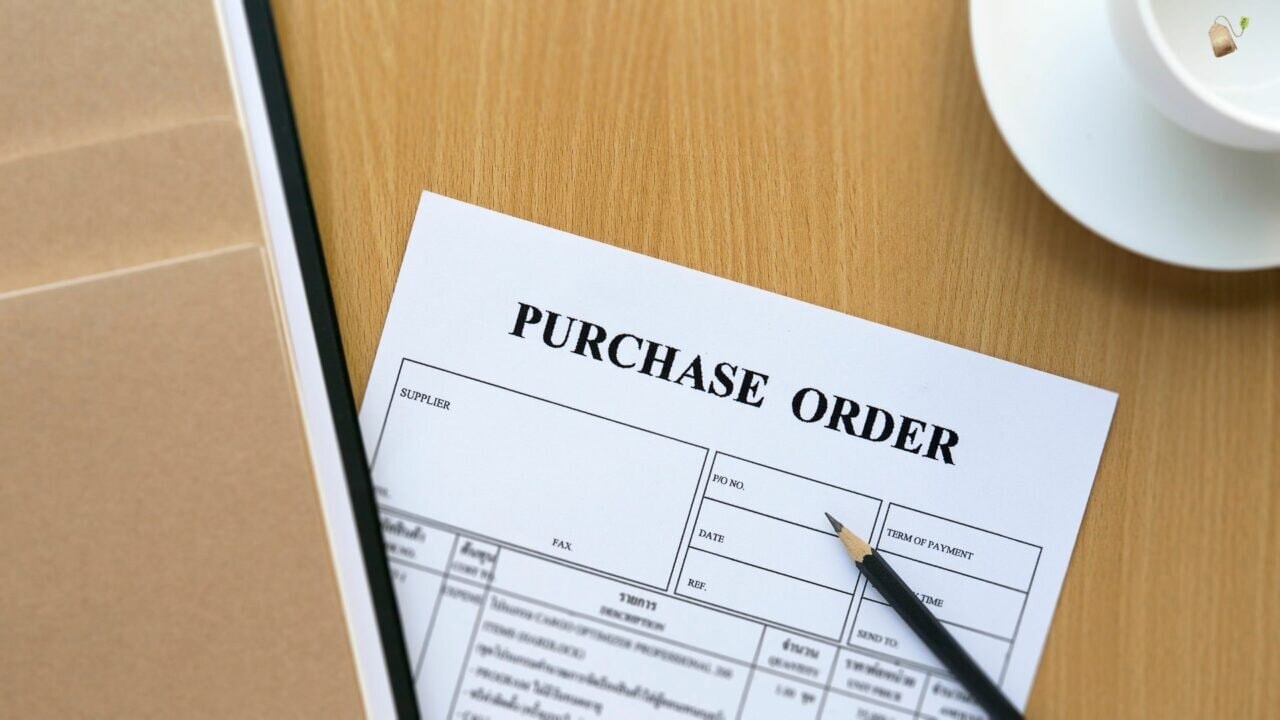
A purchase order email is a core part of business communications where clear communication supports the customer journey and decision making. Many small businesses treat it casually, turning a simple process into a pain point.
When teams write emails without structure, the message weakens and the order flow breaks.
What a Purchase Order Email Actually Does
Why the Breakdown Usually Happens
Example
A buyer sends an order without a clear structure or shipping address. The vendor asks for clarification, timelines slip, and tracking information arrives late. The delay did not come from the vendor, it came from an unclear first message.
Once this struggle is understood, the next step is identifying which details must always be present so the email works even when pressure is high.
Vendor order emails fail when necessary details, relevant details, and specific details are scattered or missing.
Strong emails include purchase details, order summary, special instructions, quality standards, cancellation policy, and the price agreed, while allowing room to double check additional details. Getting these details right creates consistency and reduces errors.
Core Details That Must Appear Every Time
How to Keep It Well Structured
Example
A vendor gets an email that lists purchase details in bullets, states the price agreed, and includes an order summary with special instructions and quality standards. The vendor replies faster, because nothing needs clarification and the terms are already clear.
When these details are consistently included, the email becomes a reliable document, and the next focus is understanding what goes wrong when even one of them is missing.
Poorly written emails create confusion when the message concise standard is ignored. Vendors respond with the same question repeatedly, slowing further engagement and weakening continued support. When the message finds the wrong tone or structure, even simple orders stall.
What These Mistakes Trigger in Real Workflows—especially when relying on key communication tools like an email service.
Why It Becomes a Pattern
A messy email forces the vendor to guess. Guessing leads to clarifying questions. Clarifying questions delay action. The delay then repeats on the next order because the original message never set a clean standard.
Example
An order email mentions items but skips quantities and timeline. The vendor replies with the same question. The buyer answers in a new thread. The request becomes fragmented, and the order stalls even though the vendor was ready.
Once the risk is clear, the next step is building a writing flow that prevents these gaps before the email is sent.

Writing a professional vendor order email requires intent, structure, and clarity at every stage. Each step builds alignment between sender and vendor, ensuring nothing essential is left implied or misunderstood.
This section lays out the full writing flow so every email moves from intent to confirmation with control and consistency.
Clarifying why you are writing helps the vendor understand the request without confusion. When the purpose is obvious, the message stays concise, decision making improves, and the order process moves forward without unnecessary clarification.
A strong subject line sets expectations before the email is opened. Using a subject purchase order or email template subject line helps vendors quickly identify urgency, context, and required action, improving response rate and reducing delays.
A professional greeting establishes respect and tone from the first line. Using polite language and acknowledging the business relationship encourages smoother business communications and positions the request as credible and organized.
Mentioning the purchase order PO, PO number, or order intent gives immediate context. This prevents the same question from recurring and helps vendors locate records quickly within their internal systems.
Including order details, purchase details, and specific details avoids misinterpretation. Clear information on product service, services, and quantities ensures accuracy while reducing the need for follow up clarification.
Attaching a cover letter or example document supports clarity when additional context is needed. Referencing attachments ensures vendors review the full request instead of relying on partial information.
Defining the expected delivery date, estimated delivery date, payment method, payment terms, and shipping method aligns expectations. Clear delivery date and date references reduce disputes and support better planning on both sides.
Requesting order confirmation or confirmation emails ensures accountability. Asking vendors to confirm details creates a shared checkpoint that reduces errors and establishes clarity before fulfillment begins.
Stating next steps and requesting a prompt response helps keep momentum. Clear timelines signal priority while preventing confusion about what action is expected and when.
Ending with best regards and accurate contact information reinforces professionalism. Including job title and company name reassures the vendor that the request comes from a verified and accountable source.
Example
An order email includes a subject purchase order, PO number, item list, expected delivery date, shipping address, and payment terms. The vendor replies with order confirmation, then sends confirmation emails with tracking information and a tracking number once shipped.
When each step is handled deliberately, the email works like a checklist rather than a conversation, which makes selecting the right template for different ordering scenarios the natural next focus.
Well-built templates save time only when they reflect real ordering situations. Using purchase order email templates as a go to resource helps standardize communication without sounding robotic.
A strong email template or reusable template works because it mirrors real workflows and adapts to context.
First-time emails should introduce company name, contact details, and intent clearly. New customers benefit from structured communication that builds trust and establishes expectations from the start.
Repeat orders rely on continuity. Referencing prior orders strengthens the business relationship and speeds processing since vendors already understand preferences, pricing, and workflow.
Urgent orders should communicate priority without pressure. Mentioning earliest convenience and explaining urgency respectfully encourages a prompt response while maintaining professional tone.
Bulk orders require clarity around price agreed, quantities, and payment method. Confirming these details upfront prevents disputes and supports smoother approval on both sides.
These emails focus on verification. Clearly requesting confirmation emails ensures the vendor acknowledges order details, timelines, and responsibilities before proceeding.
A follow up email restates the request without repetition. Keeping the message concise and respectful helps re-engage vendors without damaging rapport.
When documents are attached, referencing the purchase order PO and attachments avoids oversight. This helps vendors review full details rather than scanning the email alone.
Order updates should clearly highlight changes only. Calling out revised details prevents confusion and ensures vendors do not rely on outdated information.
When templates match real scenarios and state expectations clearly, vendors respond faster because the email answers their questions before they need to ask.

Personalized templates work when they respect vendor context while keeping structure intact. Aligning content with expectations improves response rate and strengthens trust. This approach treats templates as adaptable systems rather than fixed text.
This section explains how thoughtful personalization improves outcomes without increasing writing effort.
Reviewing history helps align tone, expectations, and structure. Understanding how both you and the vendor typically communicate improves clarity and reduces friction.
Recognizing previous work reinforces trust. This signals continuity and respect, which positively affects response rate and cooperation.
Personalizing the subject line helps the message stand out. Adjusting wording based on urgency or context increases open rates without sounding aggressive.
Different vendors respond to different tones. Matching formality while maintaining professional tone improves clarity and avoids misinterpretation.
Some vendors require structured formats or bullet points. Aligning order details with their process ensures the template works smoothly in real operations.
Personalizing timelines and payment terms shows awareness of constraints. This flexibility often improves cooperation and turnaround time.
Restating confirmation expectations ensures nothing is assumed. Clear next steps help vendors act without follow-up clarification.
Consistency in sender identity builds credibility. A recognizable signature supports trust and avoids confusion across ongoing communication.
Example
A repeat vendor receives an email that references the last PO, uses their preferred bullet format, and asks for confirmation on delivery date and pricing. The vendor replies faster because the request fits their routine and requires no interpretation.
Personalization works best when it removes decisions for the vendor, and the next focus is what to do when confirmation does not arrive even after the email is well built.
Missing order confirmation creates uncertainty around fulfillment, timelines, and accountability. Without confirmation emails, teams operate on assumptions that quickly unravel. Delays, disputes, and internal follow ups increase when confirmation is unclear or absent. Learn how to write a status update email to improve communication and reduce uncertainty.
What Breaks When Confirmation Is Missing
Why This Creates Disputes
Order confirmation is the shared reference point. Without it, both sides rely on memory, screenshots, or fragmented threads. When something goes wrong, there is no agreed version of what was accepted.
What a Clear Confirmation Email Should Include
Example
A team sends a purchase order and starts planning delivery the same day. No confirmation email arrives. The vendor ships two days later than assumed, and the team only finds out when tracking information appears late, forcing a rushed internal follow up.
When confirmation becomes a defined checkpoint instead of a hope, it is easier to write follow ups that get answers without friction.
A follow up email balances clarity with polite language while reinforcing the original request. Done well, it highlights next steps without pressure and keeps communication productive. Poor follow ups damage trust and stall action.
Mentioning the original email helps vendors quickly locate context. This avoids confusion and keeps communication efficient.
A polite, direct subject line signals intent without pressure. It improves visibility while respecting the vendor’s workload.
Recognizing time constraints shows respect. This approach supports continued support rather than frustration.
Summarizing the request prevents overload. Avoiding repetition keeps the message concise and effective.
Reconfirming key points reduces errors. It also signals accountability without sounding demanding.
Clear timelines guide action. This reduces uncertainty while remaining fair and professional.
Tone matters more in follow ups. Respectful language protects the relationship even when urgency exists.
A courteous close keeps communication open. It invites response without pressure or finality.
Follow Up Checklist
Example
Subject: Follow Up on PO [Number] and Delivery Date Confirmation
Hello [Name], checking in on the order shared on [Date]. Please confirm quantity and delivery date, or share the revised timeline by [Day, Time]. Best regards, [Name].
A follow up works best when it reduces the vendor’s effort to respond.
Keep only action-critical details in the email body, such as items, quantities, delivery date, and price agreed. Move supporting information, long terms, or technical specs to attachments or links so the message stays readable and easy to confirm.
Yes. A professional tone signals clarity and seriousness. Vendors process clear, respectful emails faster because they require less interpretation and reduce the risk of follow-up questions.
Use a shared company email for routine orders and continuity. Use a personal email only when the relationship is direct and the sender owns the order end to end.
Communicate orders as soon as quantities and timelines are confirmed internally. Earlier notice gives vendors planning room and reduces last-minute changes that cause delays.
Send during business hours whenever possible. Emails sent early in the day are reviewed sooner and are less likely to be buried under newer requests.
Orders get delayed when communication leaves room for interpretation. Clarity removes that friction. The structure, tone, and details you choose decide whether a vendor can act immediately or has to pause and ask questions.
Use this process the next time you place an order. Be precise, be consistent, and treat the email as an operational document, not a casual note.
Once you apply this approach to how to write email to vendor for order, responses become predictable, confirmations arrive faster, and delays stop being part of the routine.