Planning to buy Google Workspace? Here is the real Gmail Suite cost in 2026, with hidden charges, add ons, and total yearly expense.
.png)
You approve a new Google Workspace subscription for your team, expecting a clear per user fee. The first invoice lands, and the total feels higher than the number you calculated.
The Gmail Suite cost in 2026 looks simple on the pricing page, but real expenses grow through user count, billing terms, AI features, and quiet add-ons. Understanding how those layers build is what separates a smart purchase from a rushed one.

Google Workspace pricing is built on a simple engine, it charges per user, then applies rules based on how you pay and when you make changes. If you understand that engine, you can predict the bill instead of reacting to it.
Per User Multiplication
Your total is the plan rate multiplied by the number of active licenses. If you add more users, cost rises in a straight line, even if only a few people use the account daily.
What To Track
Example
10 users on one google workspace plan equals 10 paid seats. If you grow to 14 users mid-month, you pay for 4 more seats.
Monthly vs Annual Commitment
Billed Monthly
You pay month to month, changes usually take effect faster, and you can adjust seats with fewer commitments.
Annual Plan
You commit for the year, it often reduces monthly prices, but your flexibility drops when headcount changes.
How To Choose
Billing Cycles Explained
Every account operates on a billing cycle with a renewal date and a seat count snapshot.
Charges are calculated based on:
Upgrading from a standard plan to business plus mid cycle updates charges immediately. Downgrading usually applies at renewal.
Proration and Mid Cycle Changes
Proration adjusts your invoice when you add or upgrade seats during an active billing period.
How It Works
This is where companies underestimate spend, especially after rapid hiring.
Taxes and Regional Pricing Differences
Your final invoice includes more than list pricing.
Factors that affect totals:
A screenshot of monthly prices from another country rarely reflects your actual charge.
When you understand per user multiplication, billing commitments, and cycle timing, pricing becomes predictable instead of reactive. With the mechanics clear, the next step is breaking down what each plan actually includes and how they differ in cost structure.
For teams evaluating subscription tiers, knowing what each plan actually delivers matters more than memorizing list prices.
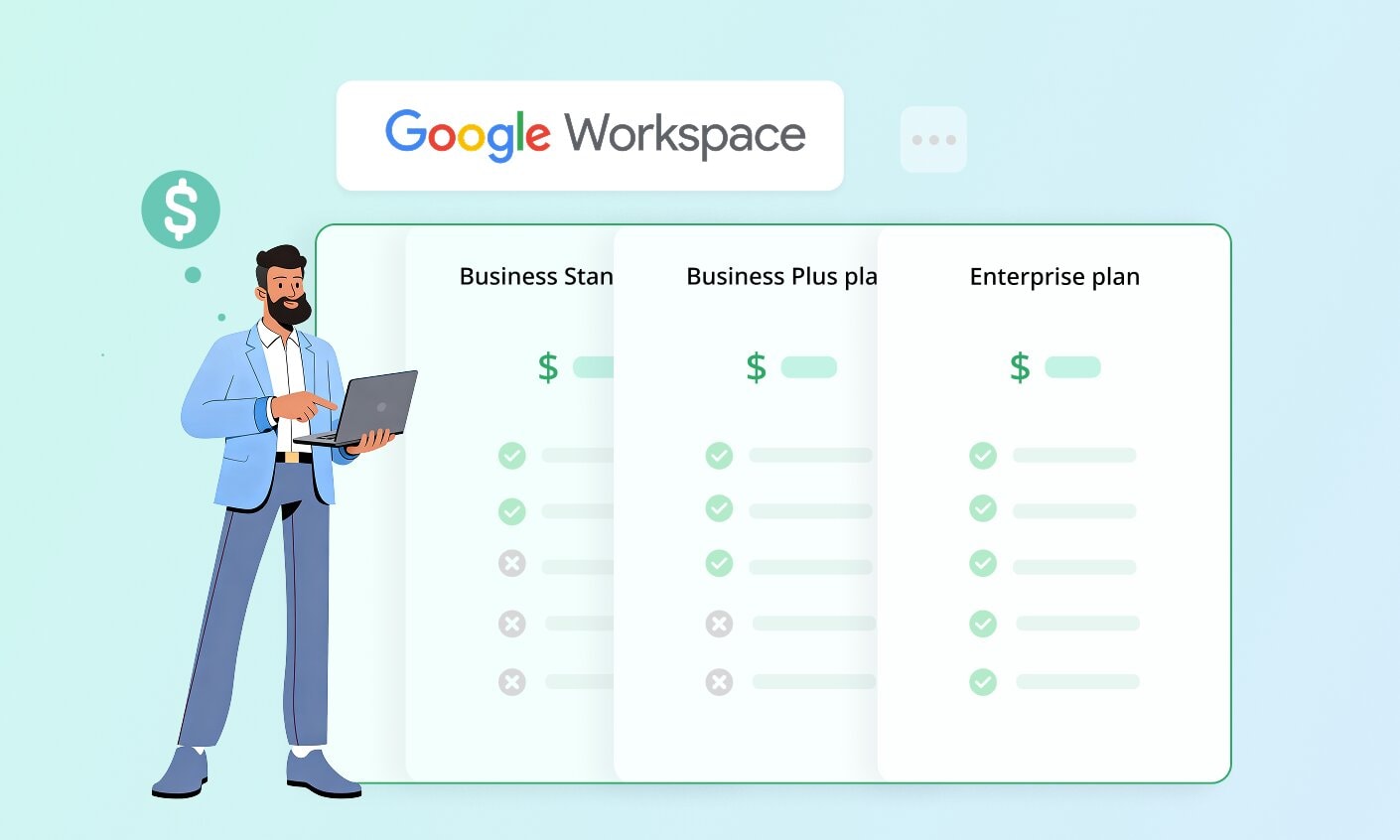
Google Workspace plans differ not just in cost, but in how much cloud storage you get, how many people you can involve in meetings, how advanced the tools and controls are, and how much administrative power you retain.
1. Business Starter
Best for small businesses that need a professional business email, basic collaboration tools, and limited cloud storage without advanced controls.
2. Business Standard
Works well for growing teams that rely heavily on google docs, google drive, and video meetings with recording. It balances storage and collaboration depth.
3. Business Plus
Designed for organizations that need stronger security features, compliance controls, and larger pooled storage while keeping admin flexibility.
4. Enterprise Plan
Built for complex environments with advanced security features, data loss prevention, expanded compliance needs, and custom pricing through contact sales.
Each tier adds control, storage, and protection as your business needs expand. The shift is not just about more tools, it is about more responsibility and oversight.
Understanding that progression sets the context for the next layer, the hidden cost drivers that do not appear in the pricing table but influence your total spend.
Most teams notice the plan price first, then get surprised by what they pay later. The extra spend rarely comes from one big charge, it comes from small upgrades that feel reasonable in isolation.
Where Costs Quietly Increase
Example
A team starts on basic versions, then adds google vault for retention, enables advanced security features, and upgrades support after one urgent incident. The plan did not change overnight, but the total spend did.
How To Spot Hidden Costs Early
Once you account for storage, security, and support upgrades, one major variable remains. AI capabilities like the Gemini app are now shaping plan value and long term cost more than any single feature tier.
Gemini is no longer a side add on. It is now integrated into Google Workspace plans, which changes what you receive at the same monthly prices.
Where AI Adds Value Without Separate Charges
How AI Still Influences Total Cost
Example
A sales team uses the gemini app to draft replies, summarise threads, and prepare call notes inside google meet and gmail docs. Once AI becomes central to workflow, plan limitations start to matter.
What To Decide Before Expanding AI Access
AI can increase perceived value by replacing third party tools and reducing manual effort. The real cost impact depends on how deeply your team integrates it into daily workflows.
AI changes how much value you extract from each plan, but pricing still varies by region. The next section compares Gmail Suite cost in India vs global pricing so you can budget using the numbers that apply to you.
Pricing looks uniform on the surface, but geography changes the final number you pay. Currency conversion, local taxes, and regional positioning affect how Google Workspace is priced in India compared to the United States and other markets.
India based small businesses often see Workspace as competitively priced against Microsoft Office subscriptions. For global firms paying in USD, pricing sensitivity usually depends more on scale than region.
Regional differences influence budgeting, but user count determines real exposure. That is where yearly cost examples make the impact clear.
Per user pricing feels manageable until you multiply it across a full year. The shift from monthly to annual thinking is where the real budget impact becomes clear.
What This Reveals
Monthly prices look simple. Yearly exposure shows the real financial weight.
Once the annual impact is visible, the next step is understanding how that spend compares with Microsoft 365 and other alternatives competing for the same budget.
Cost only makes sense when placed beside competing platforms. Cost of Gmail Suite may look reasonable in isolation, but the real question is how it compares to Microsoft Office and other G Suite alternatives offering similar office tools and collaboration depth.
Comparing numbers clarifies affordability. Comparing ecosystems clarifies fit.
Once you understand where Gmail Suite stands against alternatives, the focus shifts to control. Small structural decisions can lower recurring spend significantly.

Reducing cost is not about removing tools. It is about tightening structure and eliminating waste before it compounds.
Unused seats are the fastest way to inflate recurring spend.
What To Check
A simple quarterly audit often reduces costs without affecting operations, especially when combined with a clear understanding of business email services and providers.
Upgrades should follow need, not curiosity.
Action Steps
Granular adjustments protect budget flexibility.
Storage creep often drives unnecessary tier jumps.
Preventive Measures
Proactive management prevents reactive upgrades.
Multiple subscriptions quietly drain budgets.
Evaluate
Consolidation reduces both license cost and operational complexity, and it is often paired with choosing the best email marketing service for your needs so campaigns do not rely on fragmented tools.
Scale increases leverage, especially when you analyze SaaS tools the same way you would evaluate Customer.io pricing and similar engagement platforms.
Consider
Even small per user reductions compound at scale, just as the right choice among bulk email marketing tools can significantly change long term outreach spend.
Cost optimization works best when it becomes routine, not reactive. With spending tightened, the final question is no longer about price alone, it is about long term value and strategic fit.
Value depends on how your team works every day. Gmail Suite is worth the cost when it saves time, reduces tool confusion, and keeps communication smooth in one place.
When It Makes Sense
Example
A 12 person team stops paying for a separate meeting app because Google Meet covers their needs, and they improve productivity further by mastering Gmail tabs for organizing incoming email. One subscription replaces two tools.
When It May Feel Expensive
How To Decide Clearly
The right plan should support your work without feeling heavy. If the tools save time and reduce confusion, the cost becomes easier to justify.
Yes. The Business Starter plan gives you a custom business email address at your domain and basic cloud storage. It lets you send and receive email using your brand’s domain and store files in your Drive.
The core apps (Docs, Sheets, Slides) are available in both. The key differences are storage size and collaboration extras. Business Plus offers more pooled storage, stronger security controls, and additional admin tools than Business Standard.
Often yes for higher security needs. Enterprise plans include the most advanced protection program options and deeper security and compliance controls. If your business must meet strict data policies, the Enterprise tier makes these easier to manage.
Yes. Google Workspace includes shared calendars and tools for organizing team schedules. Some plans go further by offering simple appointment booking pages for clients and internal scheduling.
Yes, in most cases. If your team collaborates heavily in Docs, Sheets, and Slides every day, paying for Gmail Suite in 2026 often makes sense because it keeps all work, storage, sharing, and communication in one platform.
You now understand how billing works, where costs expand, and how AI and scale influence value. The Gmail Suite cost in 2026 should be treated as a structured business investment, not a casual subscription.
Match the plan to real usage, review seats regularly, and upgrade only when your workflow demands it. Clear structure turns recurring cost into controlled growth.